
How transfers work
A transfer moves a domain from one registrar to another. Ownership doesn't change, and nor do your website or email, as long as the nameservers stay the same. Every transfer needs two things:
- The domain must be unlocked at the registrar you're leaving. Registrars lock domains by default to stop them being moved without your say-so.
- An auth code (also called an EPP or authorisation code) from the registrar you're leaving. It proves you own the domain.
A domain can't be transferred within 60 days of being registered or transferred.
Transfer a domain to NG Domain
1. Prepare it at your current registrar
- Unlock the domain. The setting is usually called "registrar lock", "transfer lock" or "domain lock".
- Ask for the auth code, and keep it somewhere safe.
- Check that the registrant email address on the domain is one you can read.
- Check the domain isn't expired or about to expire.
2. Check it's eligible
- Open Transfer a Domain from the dashboard sidebar. You don't need to be signed in.
- Enter the domain, for example
adasbakery.com.ng, and click Check.
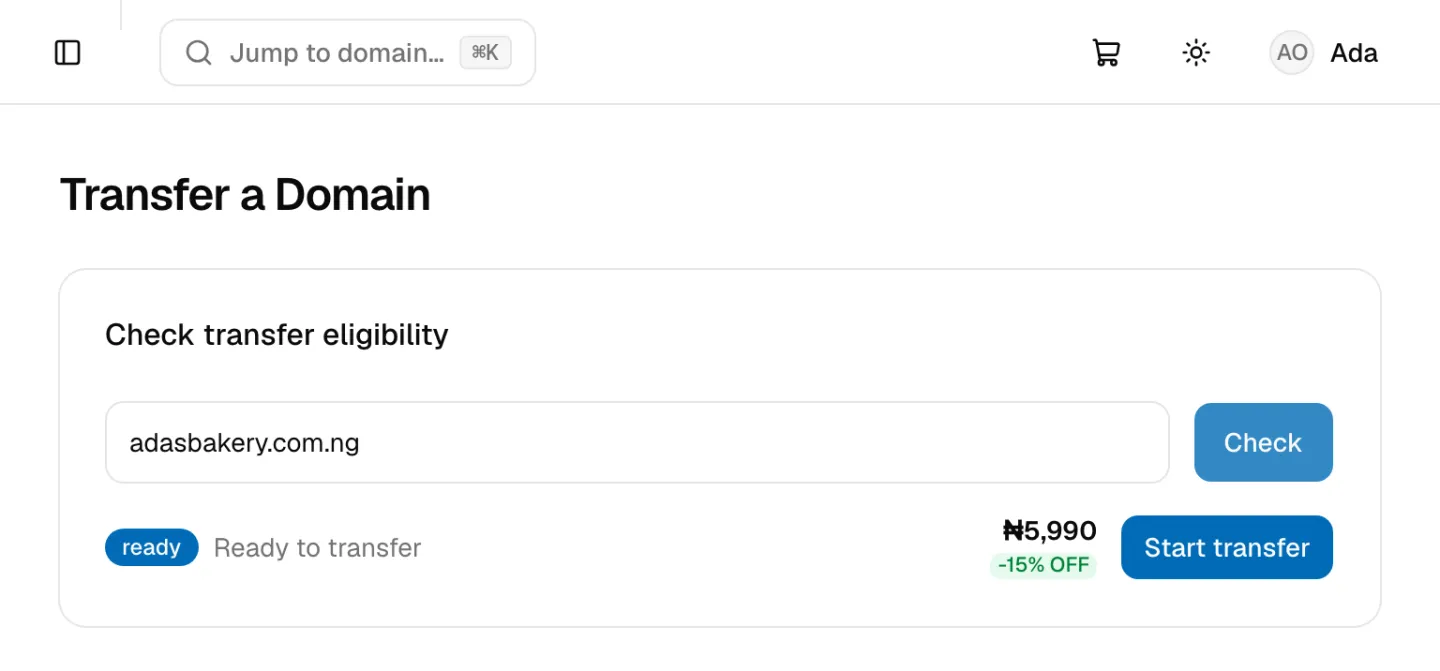
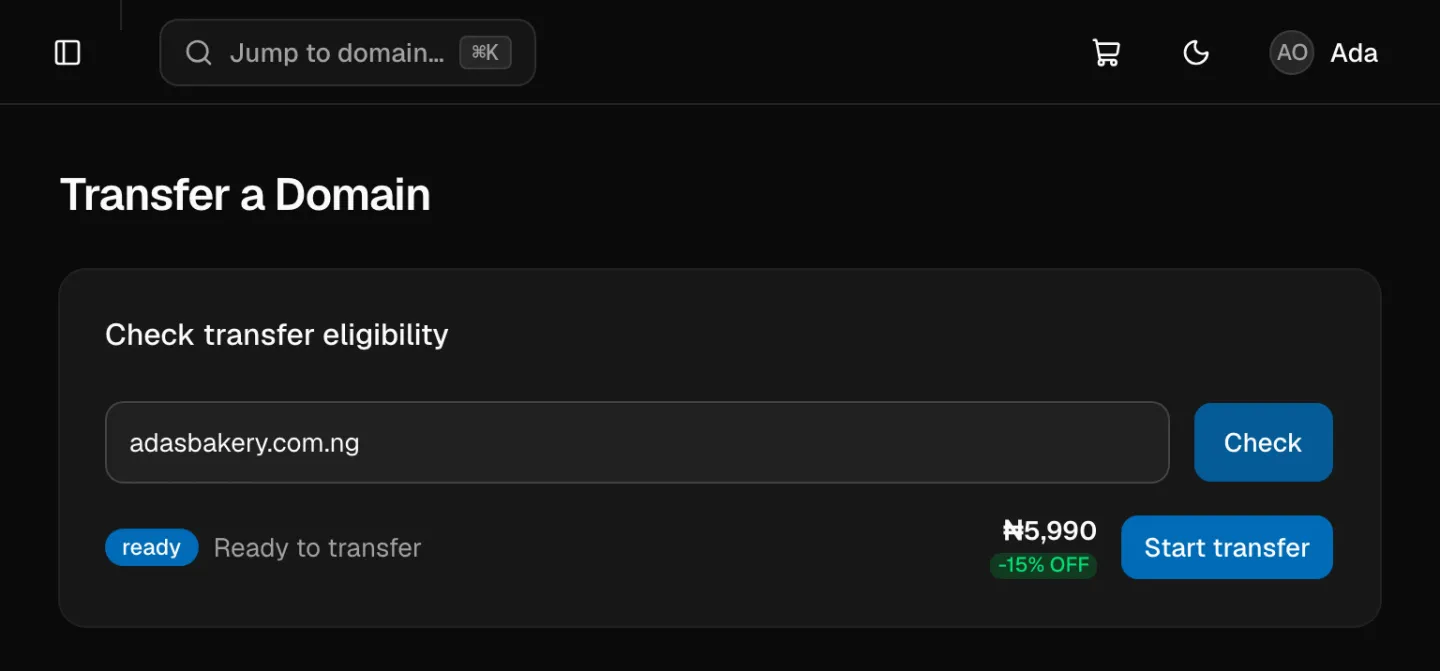
The result tells you what to do next:
| Result | What it means | What to do |
|---|---|---|
| ready: Eligible for transfer | Unlocked and old enough | Click Start transfer |
| locked: Locked — ask your current registrar to unlock it | A transfer lock is on, or the domain is in a deletion or redemption period | Unlock it at your current registrar, wait a few minutes, then check again |
| in-progress: A transfer is already in progress | Another transfer request is open | Wait for it to finish, or ask your current registrar to cancel it |
| unregistered: This domain is not registered | Nobody owns it | Register it instead |
| recent-registration: Registered less than 60 days ago — not yet eligible | Registries block transfers in the first 60 days | Try again after 60 days |
| unknown: Unable to determine eligibility | We couldn't read the domain's public record | Try again later, or contact support |
3. Pay and send us the auth code
- Click Start transfer. The transfer goes in your cart.
- Check out as you would for a registration. See How to Register a Domain.
- After you pay, contact support with the domain name, your payment reference and the auth code.
4. Approve and wait
Your current registrar may email the registrant address to confirm the transfer. Approve it, or simply don't object. Most transfers finish within 5 to 7 days. The domain then appears under My Domains, with auto-renew on.
Your nameservers and DNS records stay as they were during and after the transfer. To manage DNS in NG Domain afterwards, see Managing DNS Records.
Transfer a domain away from NG Domain
- Sign in to your NG Domain dashboard and open My Domains.
- Click the domain, then open the Settings tab.
- In the Auth code card, click Get auth code. The code appears in a box. Click Copy.
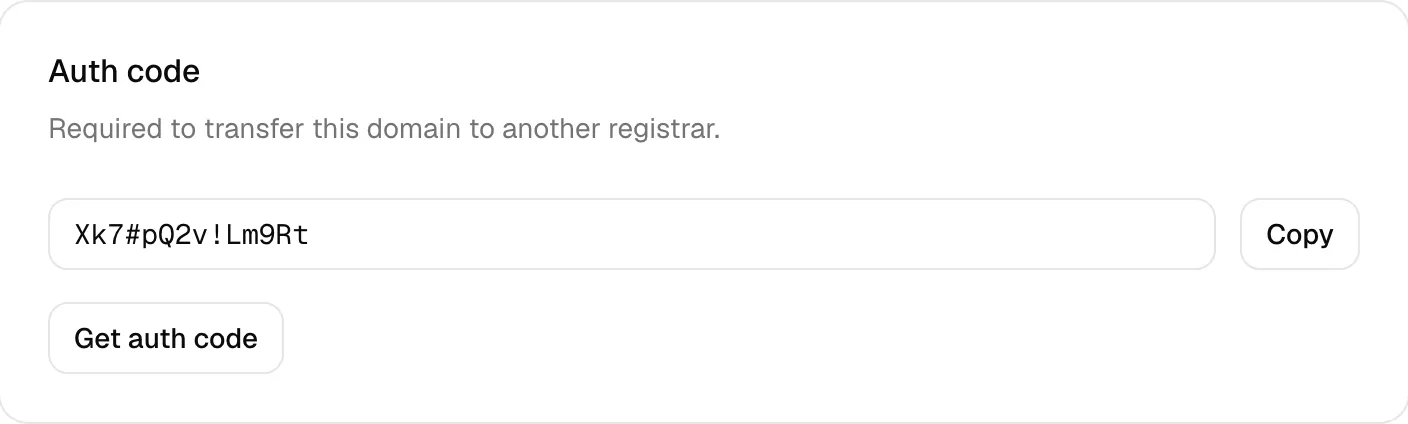
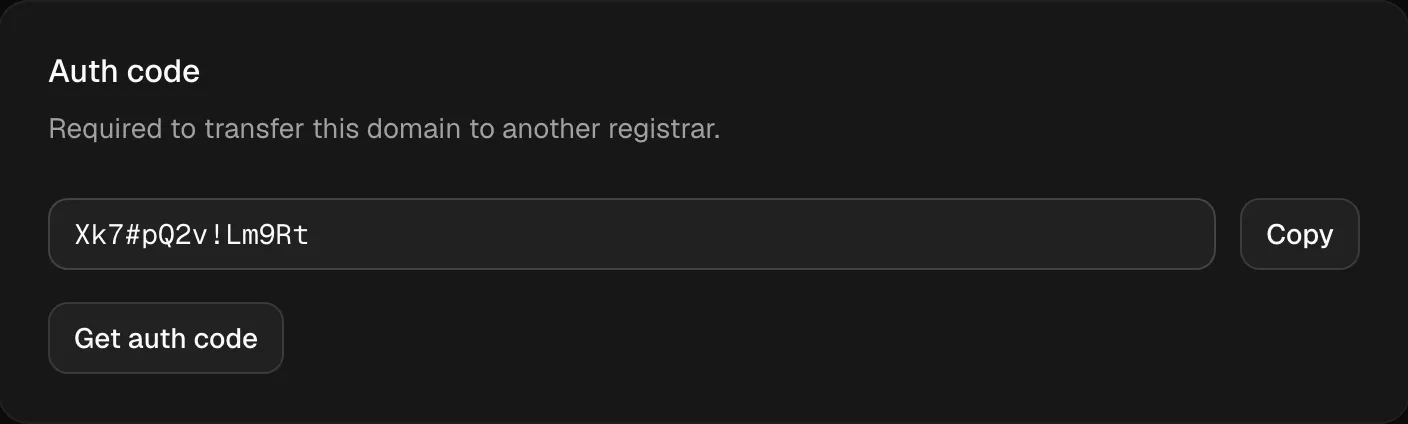
- Start the transfer at your new registrar and give them the code.
- Approve any confirmation email that comes from either registrar.
Only the domain's owner can get the auth code. Developers with shared access can't. Each request is recorded in your Activity Log.
When you can get an auth code:
- Any domain: at least 60 days after it was registered.
.ngdomains: at least 6 months after registration, because first-year.ngprices are discounted.
If the dashboard says the domain is too new, it tells you which rule applies. If your new registrar says the domain is locked, contact support and we'll unlock it.
Before you transfer
- Keep your nameservers as they are until the transfer completes, so your website and email keep working.
- Don't let the domain expire mid-transfer. If it's close to expiring, renew it first.
- Keep the auth code private. Anyone with it, and an unlocked domain, can start a transfer.