How signing in works
NG Domain has no passwords. Every time you sign in, we email a one-time login token (a 6-digit code) to the address on your account. You type it in, and you're signed in.
- A token works once and expires after 10 minutes.
- Once you're signed in, you stay signed in on that browser for 30 days. Each visit extends that.
- Your email inbox is the key to your account, so protecting it protects your domains.
Create an account
- Go to the sign-up page.
- Enter your First name, Last name and Email address, then click Register.
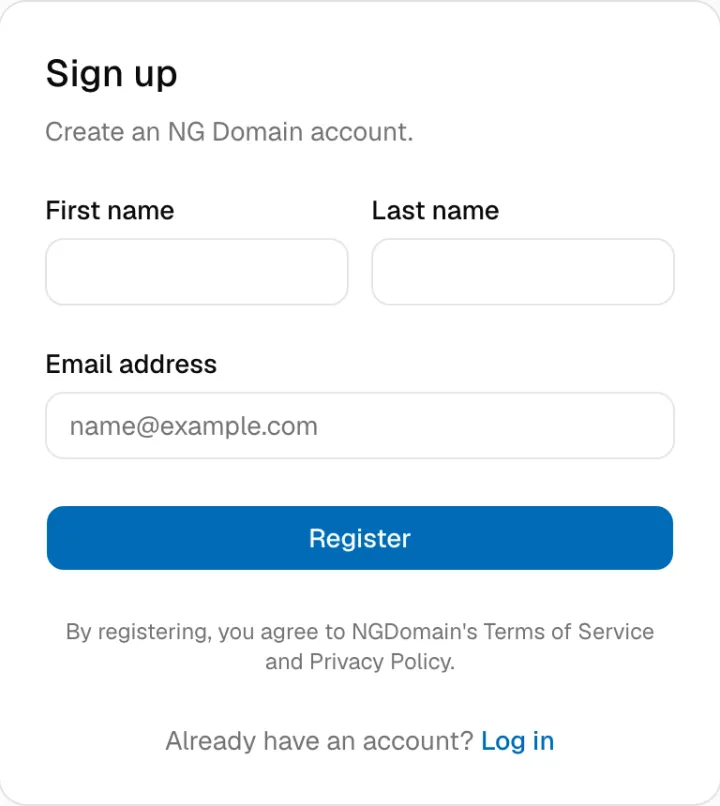
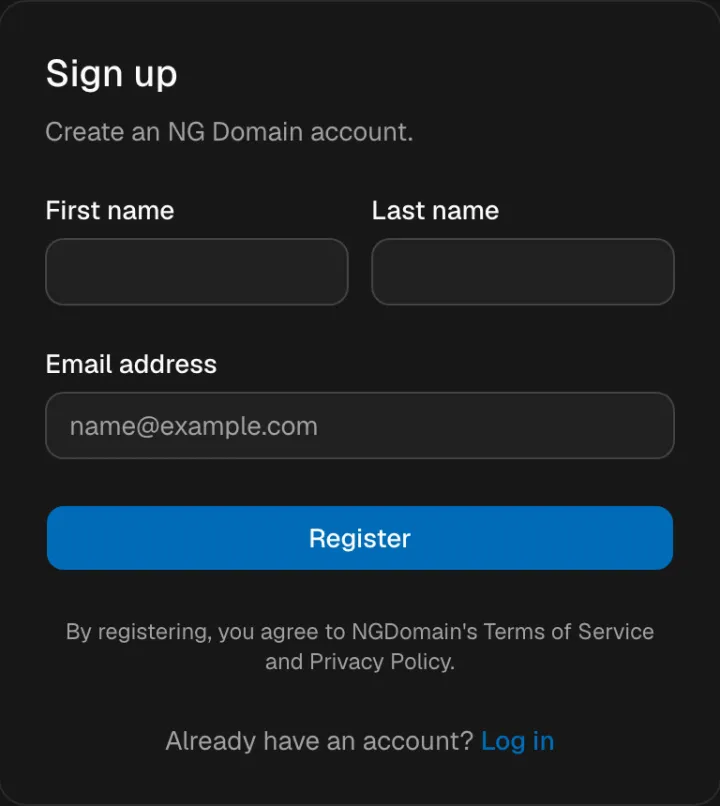
- Check your inbox for the token, enter it on the Verify signup token page, and click Complete signup.
You don't need an account before you buy. If you check out while signed out, checkout asks you to verify your email address, and that creates the account for you.
Sign in
- Go to the login page, enter your Email address and click Request login token.
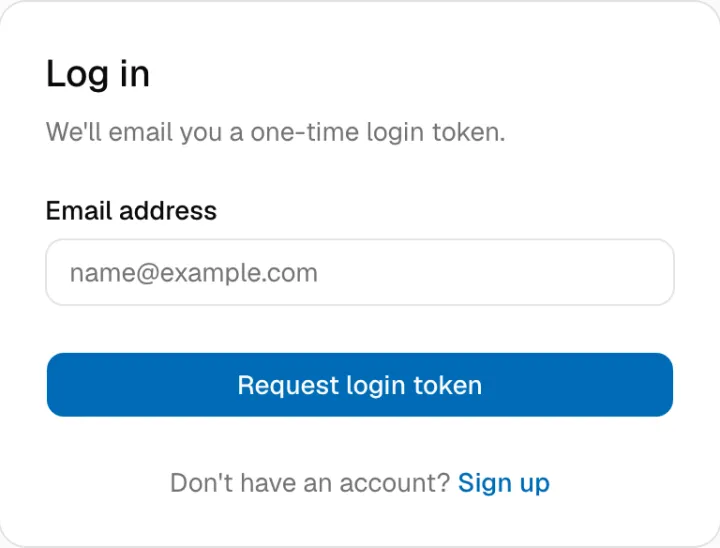
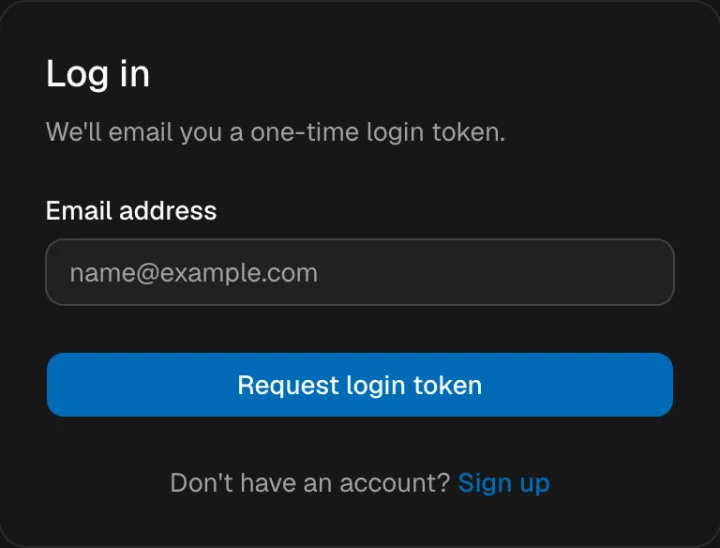
- Open the email with the subject Your Login Code for NG Domain, and type the token into Verification token.
- Click Complete login. You land on your dashboard.
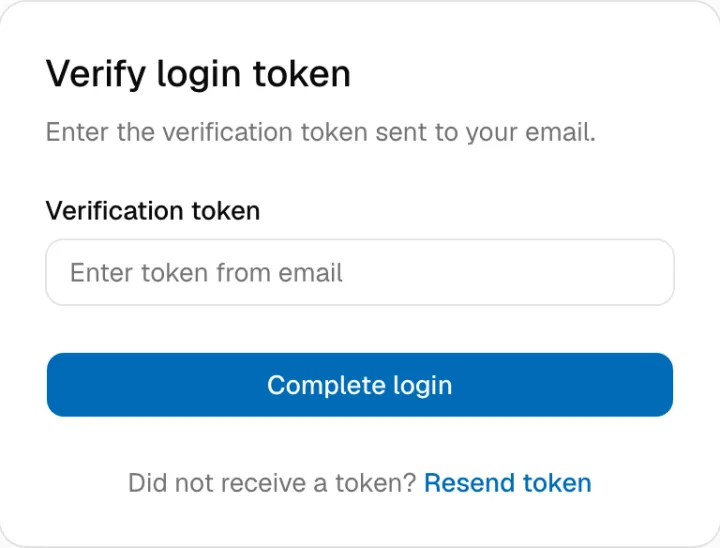
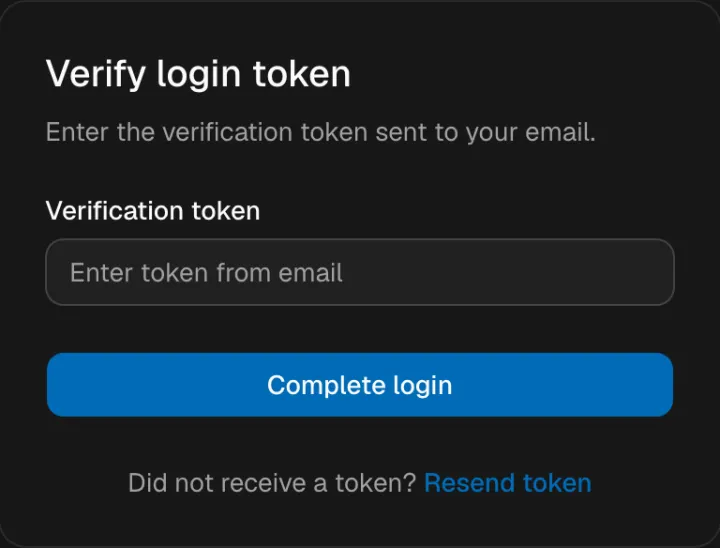
No email? Check your spam or junk folder, and make sure you typed the address exactly as it is on your account. Resend token takes you back to the login page to request a new one.
To sign out, open the account menu at the top right and choose Log out.
Check your Activity Log
The Activity Log (in the sidebar under Account) lists what has happened on your account, newest first. It includes sign-ins, DNS and nameserver changes, privacy and auto-renew switches, auth code requests and payments. Each entry shows the action, the domain or record it touched and when it happened. Click Load more to go further back.
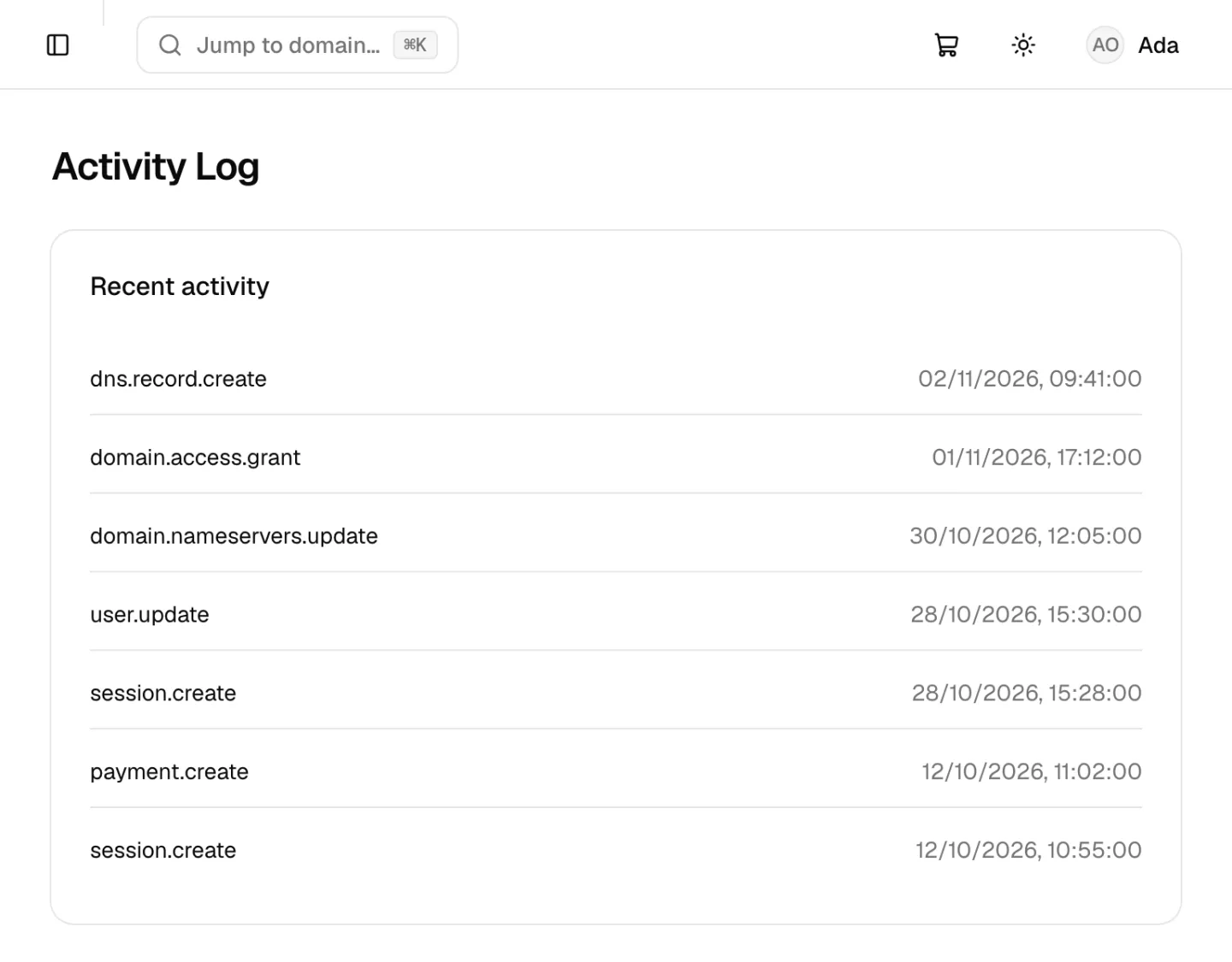
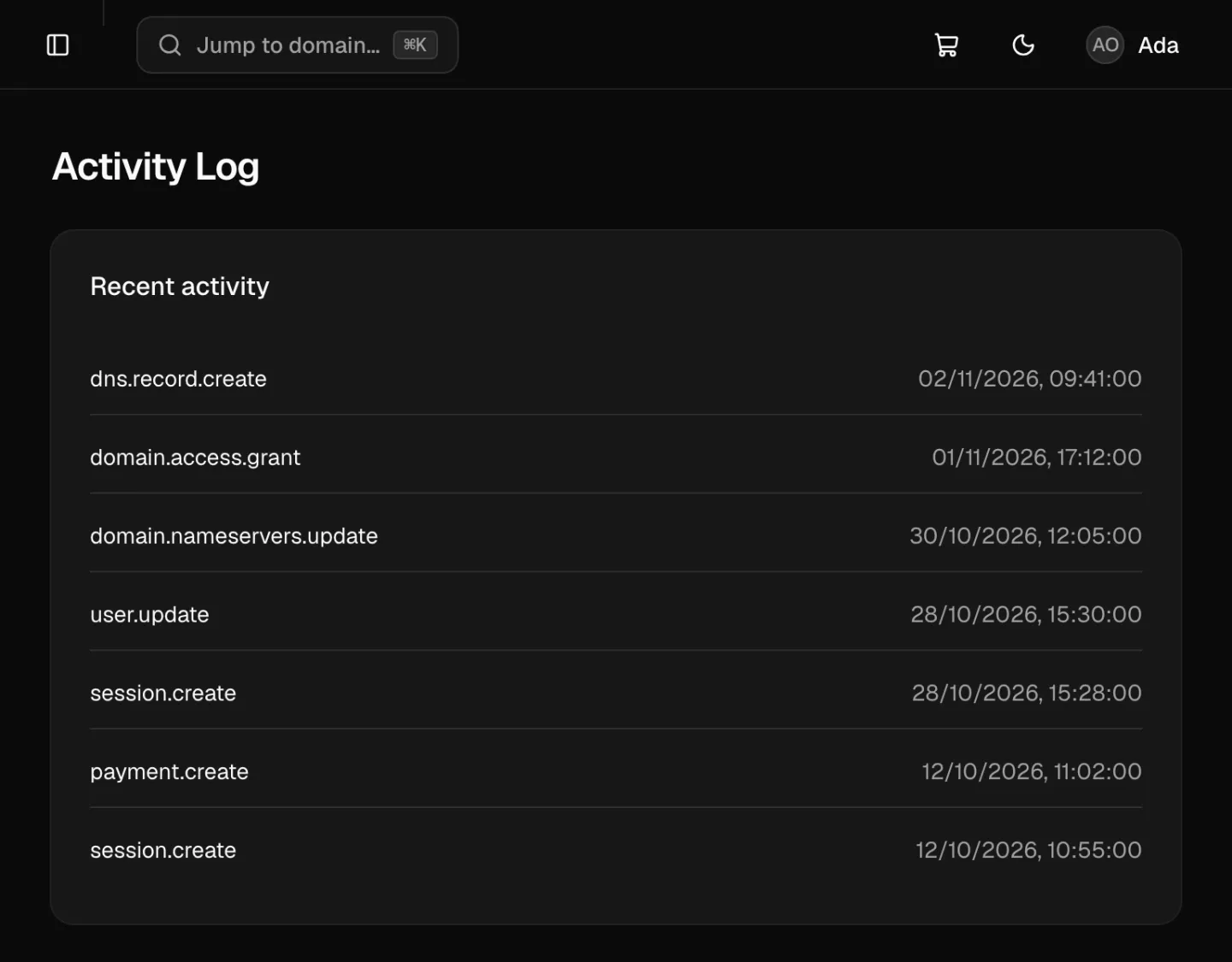
If you see a change you don't recognise, contact support straight away.
Keep your account safe
- Secure your inbox. Use a strong, unique password and two-factor authentication with your email provider. Anyone who can read your email can sign in as you.
- Never share a login token. NG Domain will never ask for it by phone, WhatsApp or email. Only enter it on
dash.ngdomain.ng. If you get a token you didn't ask for, someone typed your address; ignore it and don't pass it on. - Don't hand out your login. If a web developer needs to change DNS or nameservers, give them developer access instead.
- Keep your auth code to yourself. It's what moves a domain to another registrar. Only you can get it, from the domain's Settings tab.
- Watch out for phishing. Be wary of emails urging you to renew, verify or transfer a domain through an unfamiliar link. Go to the dashboard yourself instead.
- Turn on DNSSEC if your domain uses NG Domain DNS. It stops visitors being sent to a forged copy of your site.
Your account email can't be changed from the dashboard. If you lose access to it, contact support.