
How renewal works
Every domain is registered for a year at a time. To keep it, it has to be renewed before it expires. At NG Domain that happens through auto-renew:
- Auto-renew is on by default for every domain you register or transfer in.
- About one month before the domain expires, we charge the card you last paid with and renew the domain for another year.
- The renewal price is the extension's current renewal price, plus VAT.
Check or change auto-renew
My Domains shows each domain's Expires date and whether Auto-renew is On or Off. To change it:
- Sign in to your NG Domain dashboard and open My Domains.
- Click the domain, then open the Settings tab.
- Use the Enable auto-renew switch in the Auto-renew card.
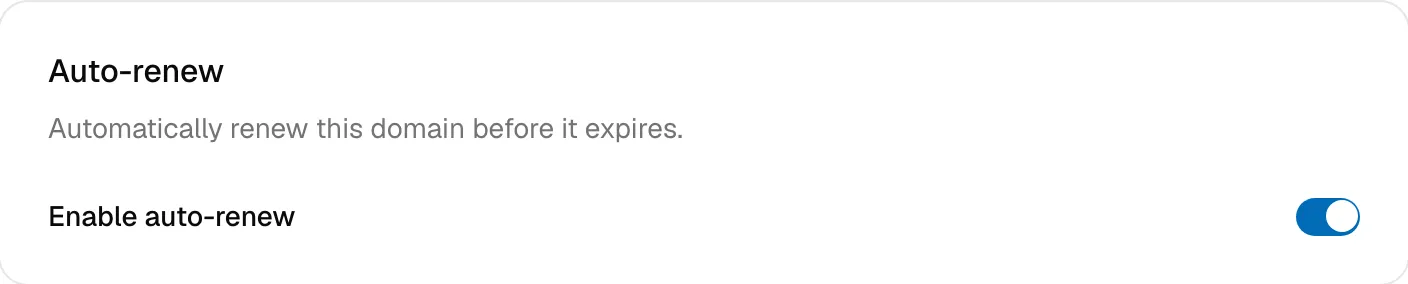
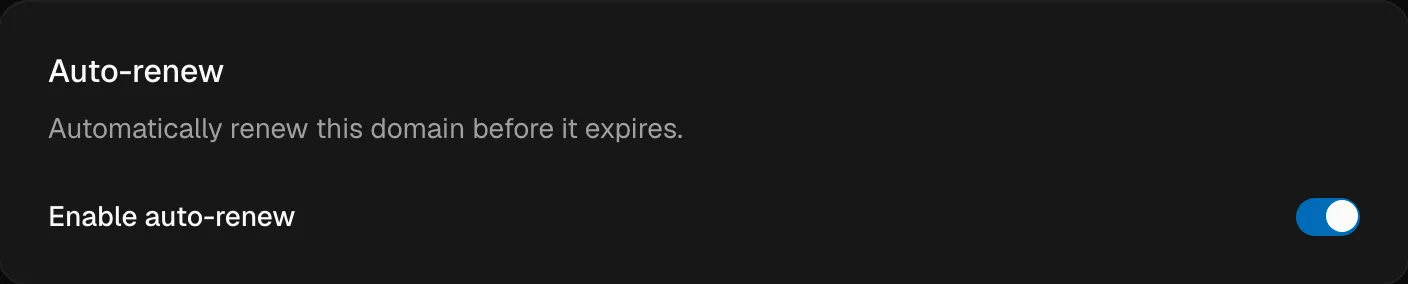
You'll see Auto-renew enabled. or Auto-renew disabled. Only the domain's owner can change this. Developers with shared access can't.
With auto-renew off, the domain stays active until its expiry date, then expires.
Emails we send
| When | What to do | |
|---|---|---|
| Upcoming Renewal Charge for your domain | A few days before the renewal charge | Make sure your card is valid and has funds |
| Action Required: Payment Failed for your domain | The renewal charge didn't go through | Click Update Payment Method and follow its steps to pay with a working card |
| Action Required: Your Payment Card is Expiring Soon | The card on file expires before the next charge | Click Update Payment Method |
| Subscription Cancelled for your domain | Auto-renew was turned off, or renewal stopped after failed payments | Click Reactivate Auto-Renewal if you want to keep the domain |
Emails go to your account email address, so keep that inbox secure and check your spam folder for anything from NG Domain.
Paying for a renewal yourself
The dashboard doesn't have a separate Renew button yet. If any of these apply, contact support with the domain name and we'll renew it for you:
- your domain is close to expiring and auto-renew is off
- a renewal charge failed
- you'd rather pay another way
Renewals can be made up to 12 months before the expiry date.
Add-ons and services
| Item | Renews? |
|---|---|
| Domain | Yearly, through auto-renew |
| DNSSEC | Yearly, on its own plan with its own Auto-renew DNSSEC switch. See Turning On DNSSEC. |
| WHOIS privacy and the Welcome page | Free, nothing to renew |
| Concierge and backorder | One-time fees that never renew |
If a domain expires
When a domain expires, its website and email stop working, because its DNS stops answering. The registry then holds it for a limited time before releasing it for anyone to register. How long, and how much it costs to restore, depends on the extension. Contact support straight away if you want it back. The sooner you act, the more likely it can be recovered at the normal price.
Good habits
- Leave auto-renew on for any domain your website or email depends on.
- Keep a valid card on file, and act on any payment-failed or expiring-card email straight away.
- Keep your account email current so renewal emails reach you.
- Check expiry dates on My Domains now and then. Click the Expires heading to sort by it.