
Why your details matter
Registries require accurate contact details for every domain. If you ever need to prove a domain is yours, for example in a dispute or to recover it, those details are what count. They also fill in checkout for you, so keep them current.
NG Domain keeps two sets of contact details:
| Where | What it's for |
|---|---|
| Profile | Your name, phone and address. Used at checkout for new registrations, and by support to confirm who you are. |
| A domain's Domain contact address | The address on that one domain's registration contacts. It can differ from your profile, for example a business address for a business domain. |
Update your profile
- Sign in to your NG Domain dashboard.
- Open Profile from the sidebar, or from the account menu at the top right.
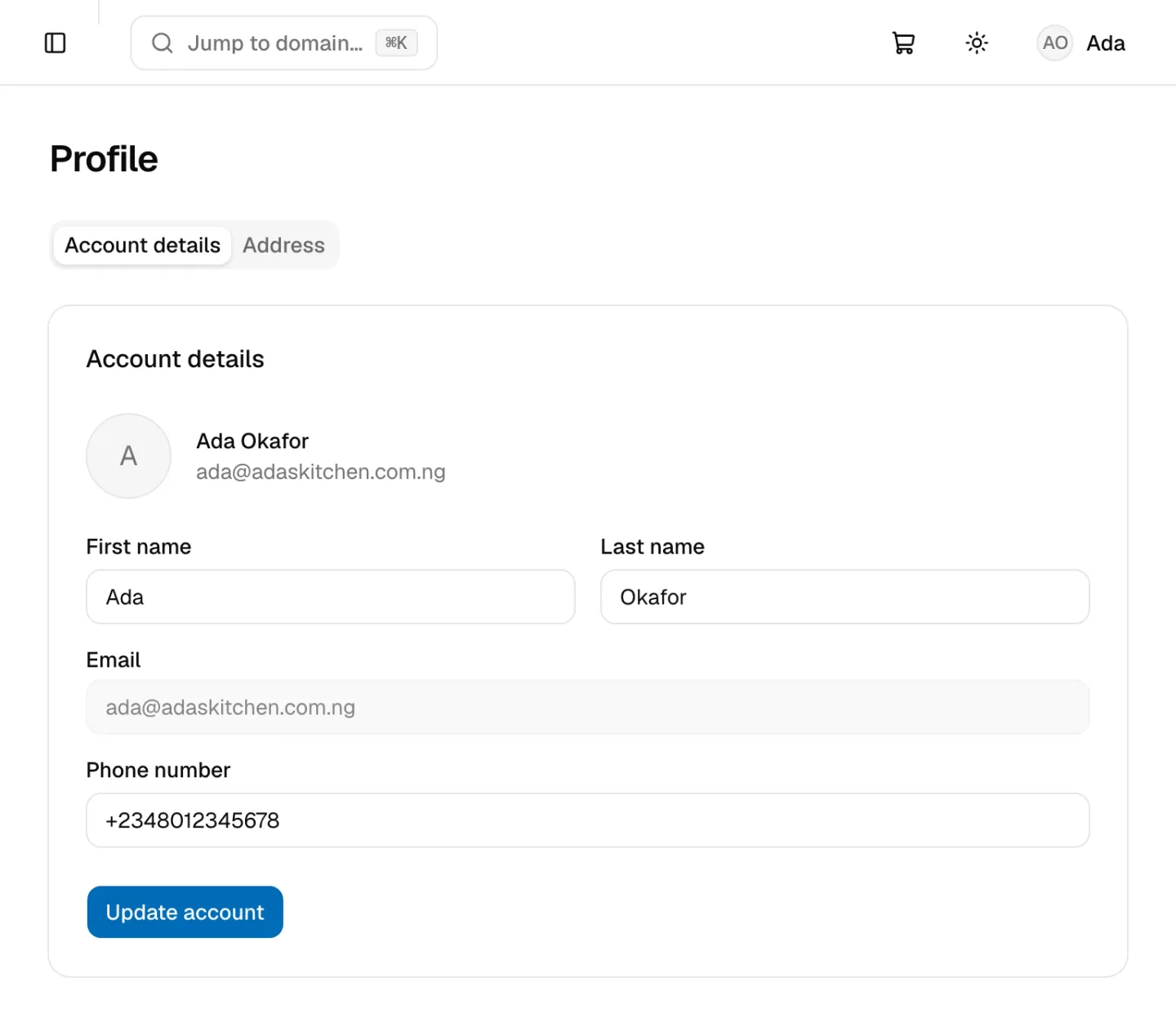
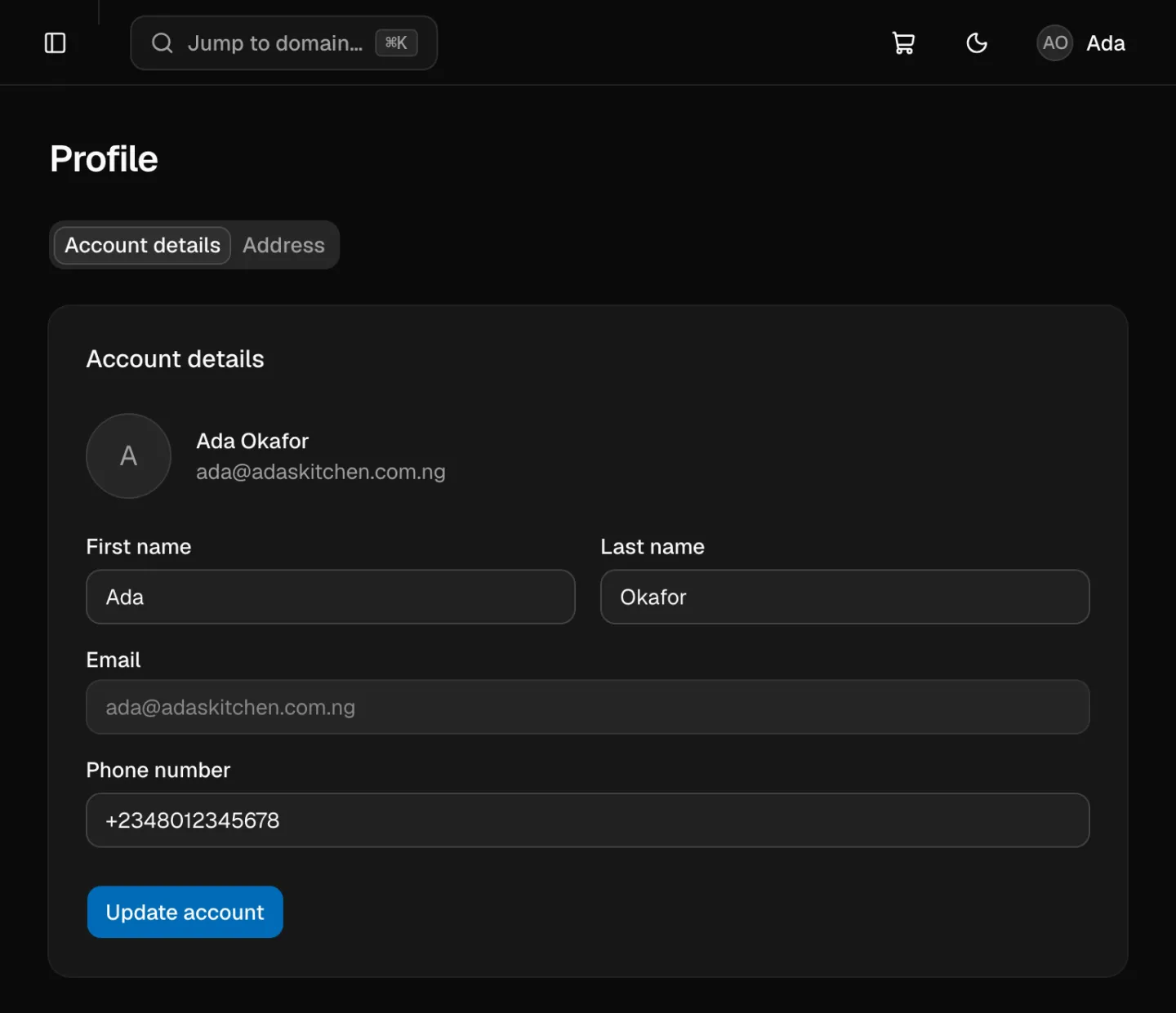
Account details tab:
| Field | Notes |
|---|---|
| First name, Last name | Required |
| Greyed out. It's how you sign in and can't be changed here. | |
| Phone number | International format, starting with +, for example +2348012345678 |
Click Update account to save.
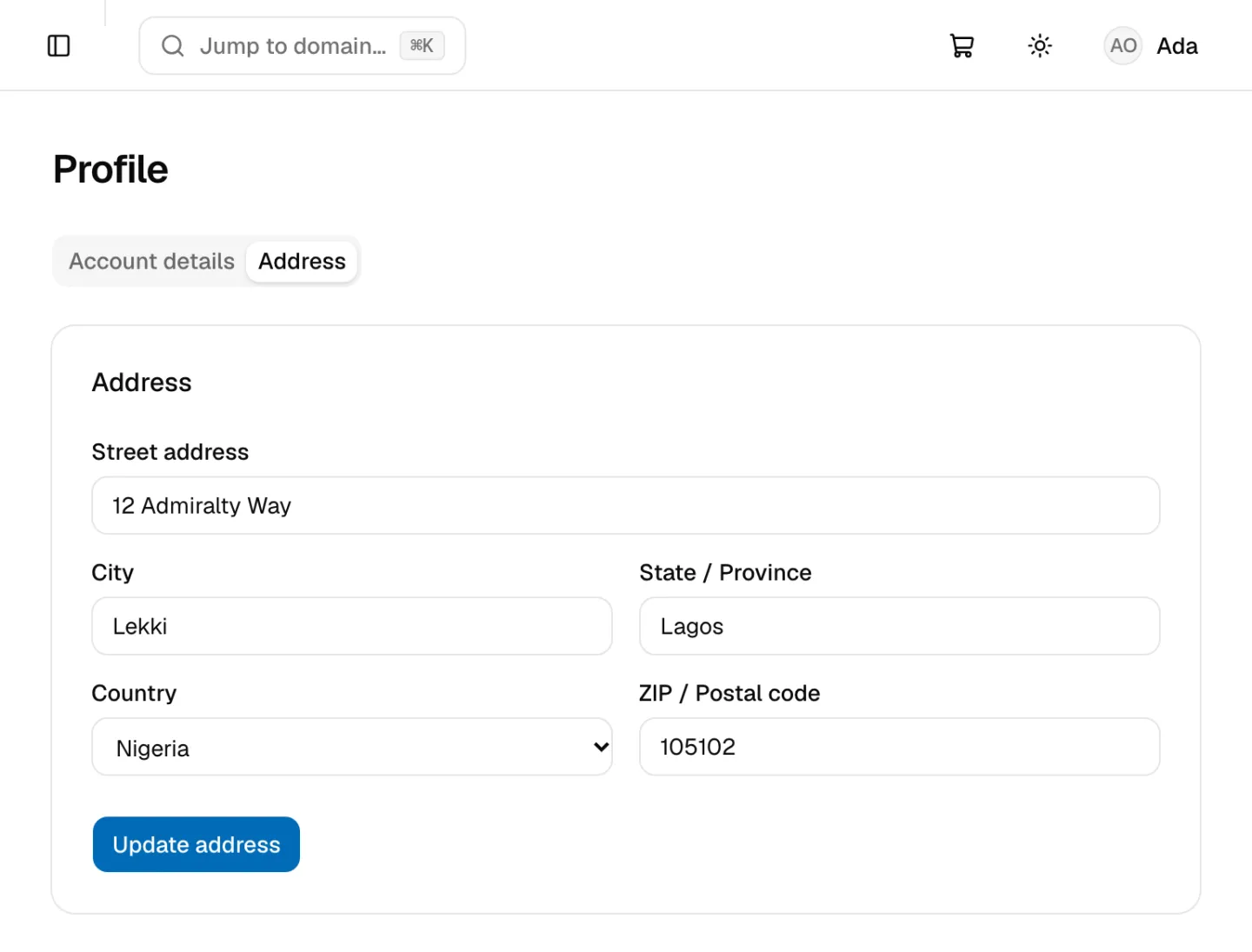
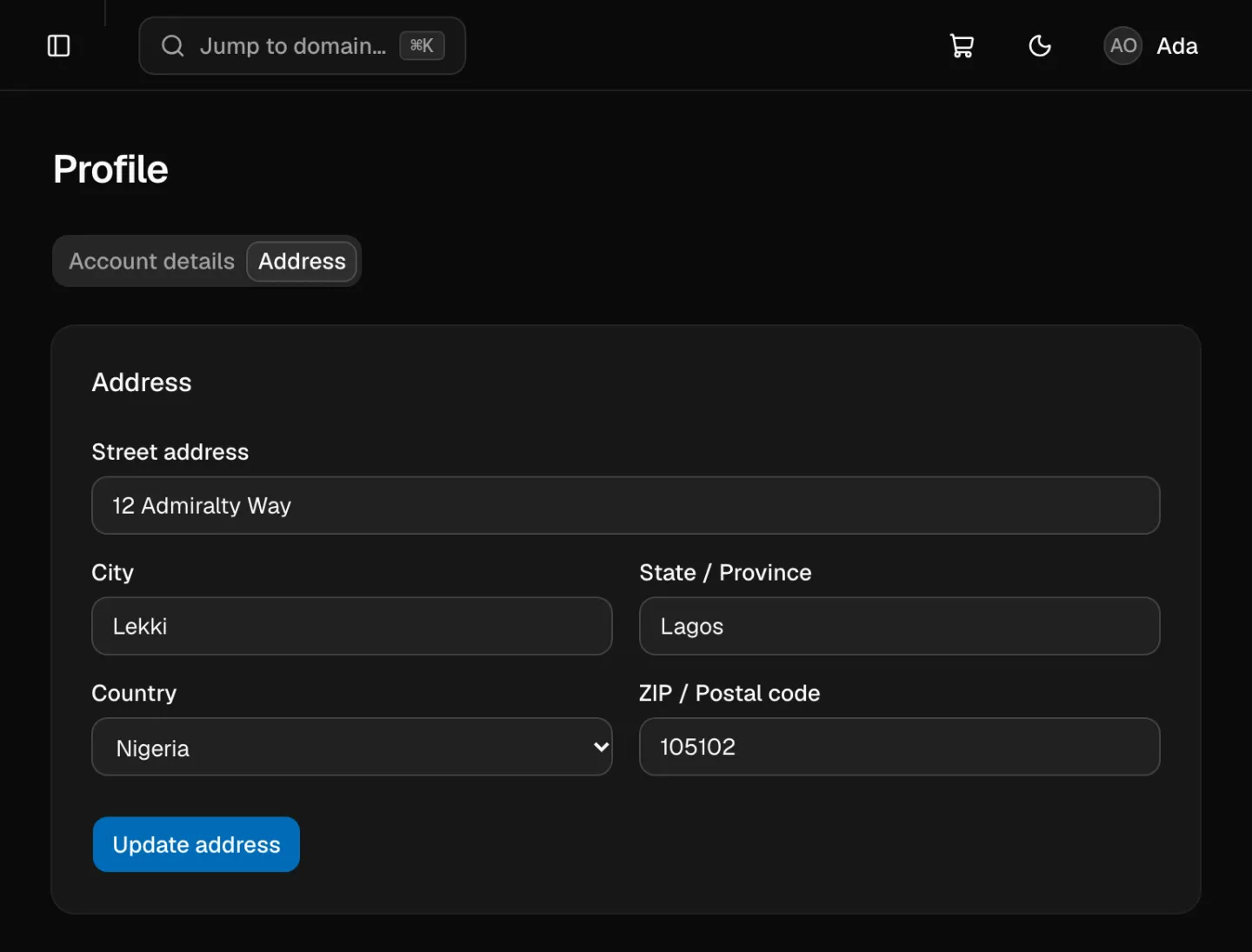
Address tab:
| Field | Notes |
|---|---|
| Street address, City, ZIP / Postal code | Required |
| State / Province | Optional |
| Country | Choose it from the list |
Click Update address to save.
When you check out while signed in, the Registrant info step starts from your profile. Changes you make there are saved back to it.
Set a domain's contact address
- Open My Domains and click the domain.
- Open the Settings tab. The Domain contact address card is at the top.
- Fill in Street address, City, State / Province, Country and ZIP / Postal code.
- Click Update contact address.
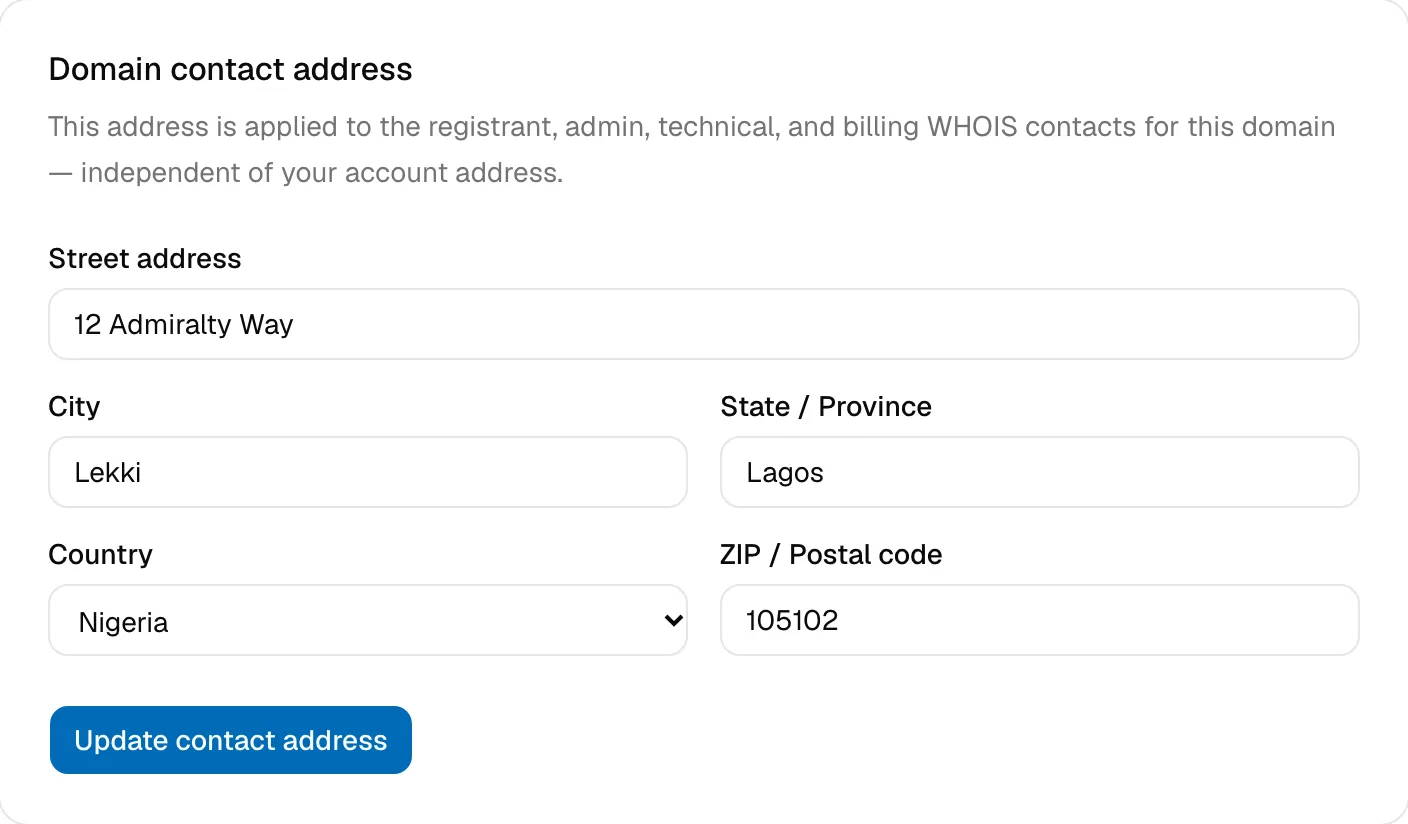
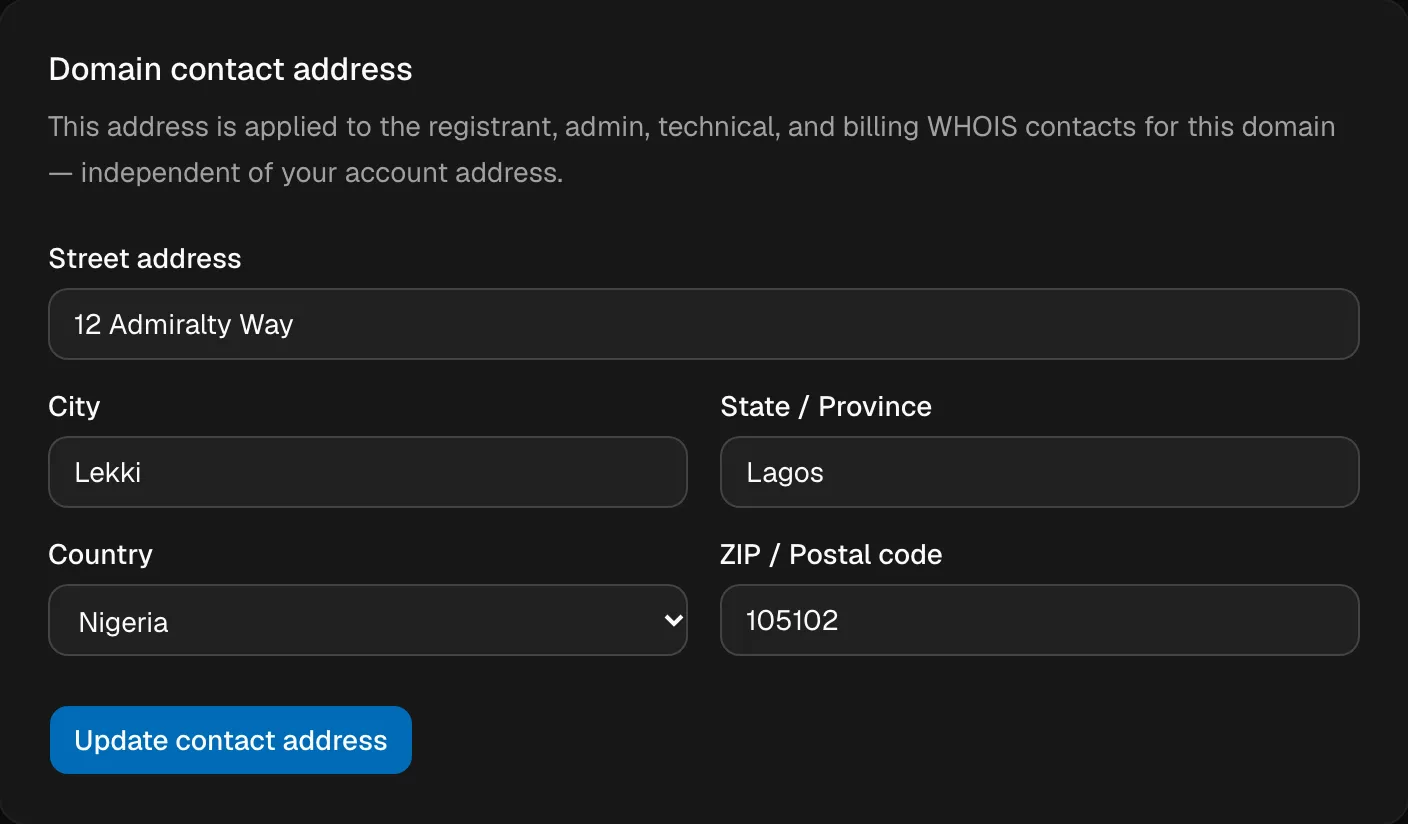
The address applies to all four of the domain's contacts: registrant, admin, technical and billing. Only the owner can change it.
To change the name, email or phone number registered on a domain, or to move a domain to another person or business, contact support.
Changing your account email
Your email address is your login and can't be changed from the dashboard. If you need to change it, for example because you're leaving a job or a provider, contact support from the address on your account, before you lose access to it.
Every profile change is recorded in your Activity Log.